NextGen UBE Exam Software
Share
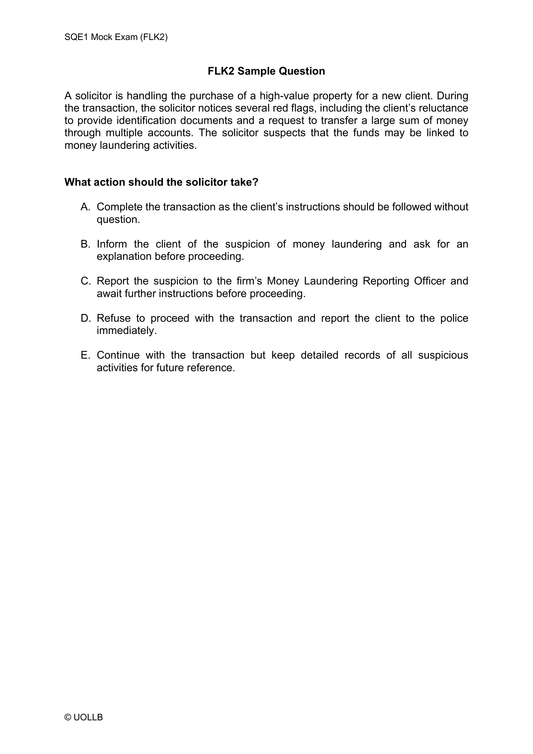
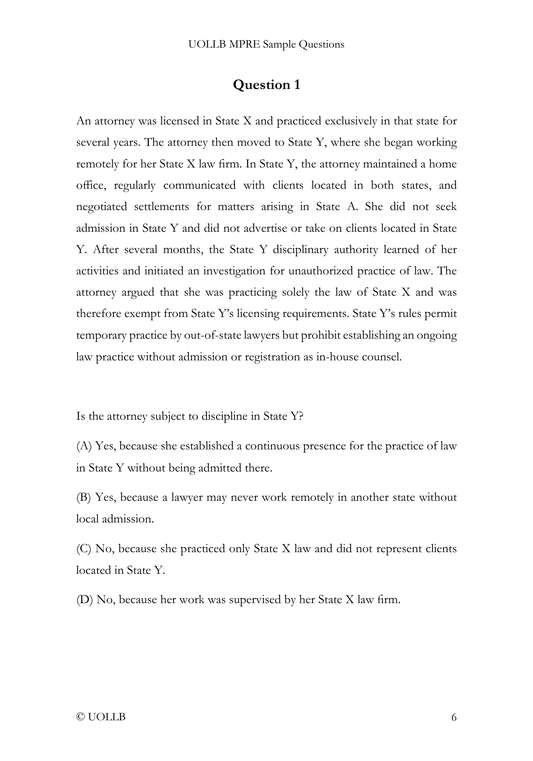
The NextGen UBE is administered on your own laptops using a secure testing browser designed to create a consistent and controlled testing environment. The software includes a range of tools intended to support navigation, reading, analysis, and writing. Because the exam blends multiple-choice questions, integrated question sets, and performance tasks, the platform allows you to manage all of these formats within one interface.
At the core of the software is a section countdown timer, which begins at the start of each three-hour block. You can temporarily hide the timer if you find it distracting, although it will automatically reappear during the final five minutes of the section. A detailed navigation tool allows you to see the status of every question in the section, indicating whether a question has been answered, partially answered, left unanswered, or marked for review. This tool also makes it easy to jump directly to any question, which is especially useful for candidates who prefer to plan their pacing or return to flagged items later.
The testing platform includes several built-in features to support reading and annotation. You can highlight text in four different colors, adjust the color scheme between light and dark modes, and change both text size and background contrast to improve readability. The software also provides a split-screen function, allowing you to view a question and an answer field side by side. A movable mid-screen bar lets you adjust the proportions of the two panels, which becomes particularly helpful when working with lengthy documents or drafting performance task responses.
Writing tools in the platform resemble those found in basic word-processing software. You can use a notepad for drafting ideas or outlining responses, although text in the notepad is not graded. Spell check is available, and the system supports bulleted and numbered lists, indentation, bolding, italics, underlining, and tabbing. Copy-and-paste and cut-and-paste functions work within answer fields, between answer fields, and between the answer fields and the notepad. You may also copy text from the provided documents into their responses. The ability to undo and redo actions provides additional flexibility while drafting.
Because integrated question sets and performance tasks often involve reviewing legal authorities and supplemental documents, the testing platform presents these materials in tabbed sections built directly into the screen. Libraries, case file materials, statutes, and excerpts from judicial opinions appear in a structured format that allows easy switching between documents. The interface includes sample navigation tools for moving through multi-page files, creating a smooth workflow for tasks that require frequent reference to legal sources.
The secure testing browser also supports assistive technologies for candidates in need of accommodations. It includes built-in e-reader integration and voice-to-text functionality for those approved for accommodations.
Before exam day, you must download the secure testing browser onto the laptop you intend to use during the exam. The NCBE provides laptop technical specifications in advance, and each candidate must complete a pre-exam tutorial on his or her device. This tutorial verifies that the laptop meets the necessary technical requirements and familiarizes you with the software’s tools, layout, and features.